
Construction Quality Control Checklist: A Blank Template
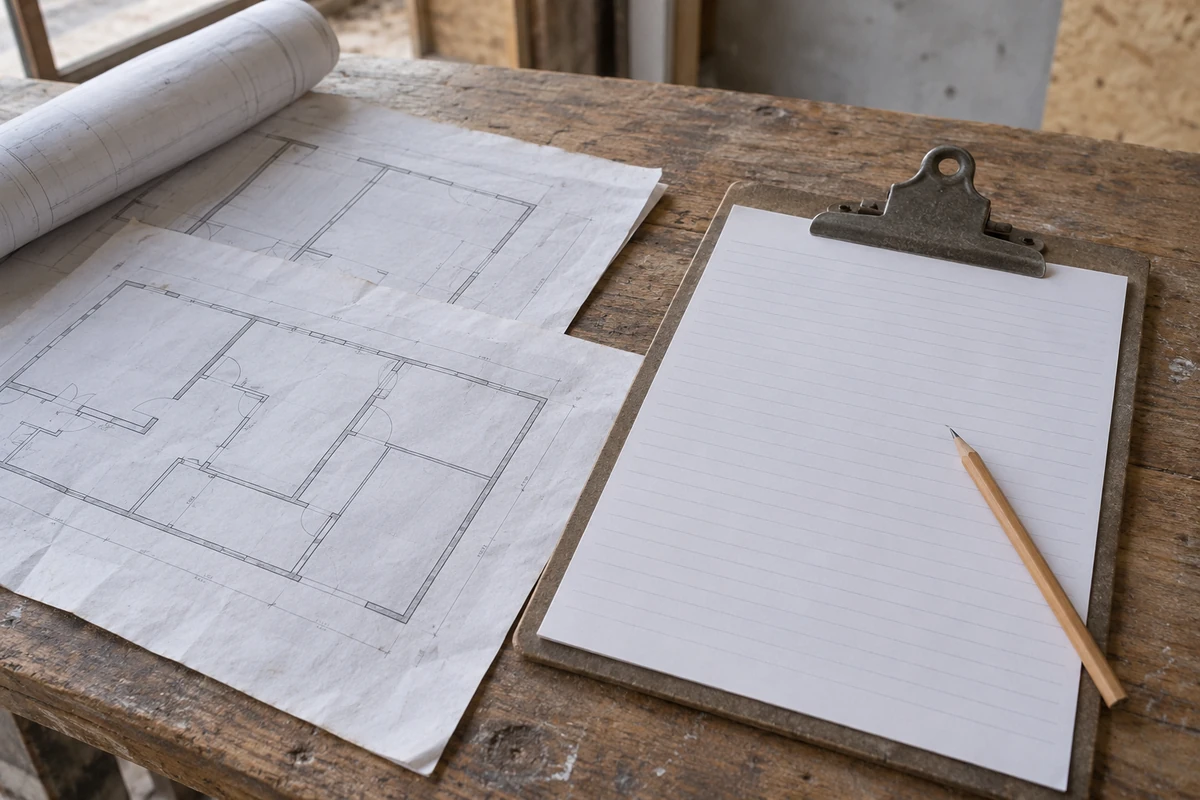
Missing inspection evidence can delay a material or work handoff. Use a construction quality control checklist that links each stage check to its project requirement, observation, evidence and responsible sign-off.
This guide gives you stage-by-stage checks, a material receiving checklist and blank record fields to copy into a document or spreadsheet. Start with the applicable drawings, specifications and inspection arrangements; enter their actual criteria before using the form. The checklist records what was checked and what remains unresolved. Its empty boxes do not establish acceptance limits or authorize work to proceed.
- Before work: identify the applicable requirements, reviewed documents and readiness checks.
- At delivery: match the material to its order and submittal, and record condition and outstanding documents.
- During work: locate the inspected work and retain the required observations and test evidence.
- At completion: connect outstanding issues to correction, reinspection and the authorized decision.
The Planning collection covers the surrounding assembly and coordination decisions. For the organizational plan and ITP structure, use the construction quality control plan guide; this page supplies the detailed check prompts and record fields.
Set up the checklist around the work
Make a separate checklist for a defined activity and location, then distinguish the requirement from the observation. A receiver needs to know which delivery was examined; an installer needs to know which work area was checked. Give the record a document identifier and revision so the completed form remains understandable after the crew moves on.
Our suggested row structure is:
Scroll horizontally to see all columns.
| Record element | What to enter | What it tells the next person |
|---|---|---|
| Work and location | Activity, room, elevation, area or material package | Which work the entry covers |
| Requirement | Document, revision, clause and acceptance criterion | What the observation is compared against |
| Check | Method, timing and responsible role from the project arrangements | How and when to collect evidence |
| Observation | Actual finding, measurement or report reference | What was observed, without assuming a pass |
| Status and action | Result, unresolved issue and action owner | What still needs a decision |
| Sign-off | Checker, reviewer and authorized decision in separate fields | Who did what and under which authority |
The ConSIG working group’s ITP guidance connects requirements, checks, responsibilities and supporting evidence. The fields here are a practical adaptation for a supporting checklist, rather than a prescribed industry form.
Use the specification comparison guide to organize the documents before extracting criteria. “Matches the approved detail” becomes a useful check only when the detail number, revision and relevant condition are identifiable. Keep the requirement field empty until that information is available; an unknown criterion calls for clarification, not an assumed result.
Takeaway: A checklist entry needs an identifiable object, an acceptance basis and a record of the actual finding.
Before work begins: review the requirements and readiness
Review the documents and arrangements needed for the activity before inspecting finished work. The checklist should expose a missing drawing, unresolved submittal or incomplete preceding activity while the team can still resolve it. Assign the review to the project-designated person and carry outstanding items into the work handoff rather than clearing them with a general tick.
UFGS 01 45 00, section 1.8.1 provides the source categories below. It is a government guide specification with project tailoring options. Use the requirements adopted in your project documents; these prompts do not make that specification applicable to every job.
Scroll horizontally to see all columns.
| Check prompt | Project reference to enter | Record to retain |
|---|---|---|
| Are the applicable specification sections and drawings available? | Current specification and drawing register; UFGS 1.8.1(a–b) | References and revisions reviewed |
| Are relevant submittals and required factory test reports resolved? | Submittal review response and testing requirement; 1.8.1(d) | Review action and outstanding comments |
| Are required inspection and testing arrangements ready? | Project testing plan and applicable activity procedure; 1.8.1(e) | Assigned roles and arrangement references |
| Is preceding work ready for this activity? | Interface detail and preceding-work requirements; 1.8.1(f) | Location checked and unresolved issue IDs |
| Are delivery areas and required materials ready? | Delivery/storage arrangements and material submittals; 1.8.1(g–h) | Material availability and storage observations |
This table identifies review subjects. Enter the exact criterion and required evidence in the working form: a drawing reference alone may not explain which part of the assembly the checker needs to examine.
The first-order risk checklist helps a buyer settle order inputs before they become receiving questions. For interfaces between trades, the wall-system planning brief helps identify the assembly information to bring into this review.
Takeaway: Resolve the document and readiness questions before relying on a field inspection to find them.
At material receipt: match the delivery to the material package
Record what arrived against the ordered item and current submittal, then record physical condition separately. A package can match its order description while a required document or inspection remains outstanding. Give the installer a material status that preserves those unresolved questions, rather than using the delivery signature as the only handoff record.
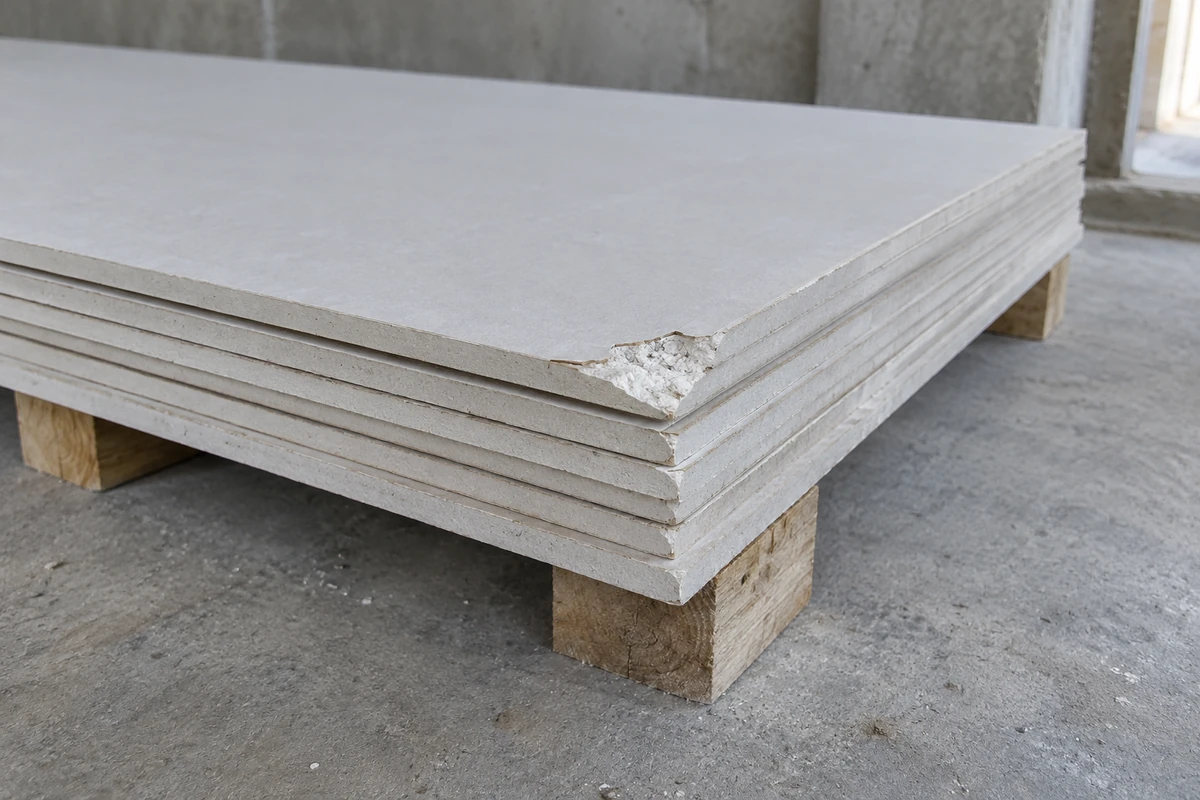
These are suggested receiving prompts. UFGS 1.8.1(d, h) supports checking required material documentation and correspondence with reviewed data; section 1.14 covers delivery, storage and protection. The official guide specification supplies the general basis; the project’s material section supplies the acceptance details.
Scroll horizontally to see all columns.
| Receiving check | Compare or inspect | Suggested entry | Prompt basis |
|---|---|---|---|
| Material identity | Delivery description and visible markings against the order and current submittal | Item reference, delivery ID and any discrepancy | Suggested record; UFGS 1.8.1(h), ConSIG Evidence |
| Grade, type and size | Delivered identifiers and required dimensional checks against the specified material | Observed designation; measurement record where required | Suggested comparison; UFGS 1.8.1(h) |
| Quantity and package scope | Delivered count or stated quantity against the order and delivery note | Quantity received and shortages or extras | Suggested order reconciliation; ConSIG Evidence |
| Traceability where required | Batch, lot or other identifier against the required supporting record | Identifier and linked document reference | Suggested document link; ConSIG Evidence |
| Required documents | Delivery note, required reports and current review response | Documents present, missing or awaiting review | UFGS 1.8.1(d); ConSIG Evidence |
| Physical condition | Visible damage or deterioration against the material’s applicable criteria | Description, location and photograph reference | Suggested observation; UFGS 1.14 |
| Storage and protection | Actual receiving/storage location against the project requirements and applicable product instructions | Condition observed and protective action needed | UFGS 1.8.1(h), 1.14 |
| Handoff status | Open questions against the project’s release procedure | Action owner and authorized decision reference | Suggested field; ConSIG Managing project ITPs / Close out |
A quantity check helps reconcile the delivery; it does not establish technical conformity. Likewise, a certificate or report should be linked to the material it actually covers. Do not assume every product requires the same identifiers, certificates or measurement method.
Common mistake: Signing for delivery and entering “accepted” everywhere. State what the signature acknowledges, and leave technical acceptance to the designated project procedure.
Use the material procurement process to connect order, submittal, delivery and installation records. If the receiver lacks a document, the supplier evaluation guide helps frame the upstream documentation question without turning the receiver’s observation into a supplier-wide judgment.
Takeaway: Preserve material identity, condition and unresolved status through the receiving-to-installation handoff.
During work: separate the first inspection from continuing checks
Identify the first portion of work inspected, then use its requirement references when recording continuing work. Record the location and evidence for each observation so later checks can be compared meaningfully. Where work will be covered or become inaccessible, arrange the required inspections and records before that next operation according to the project procedure.
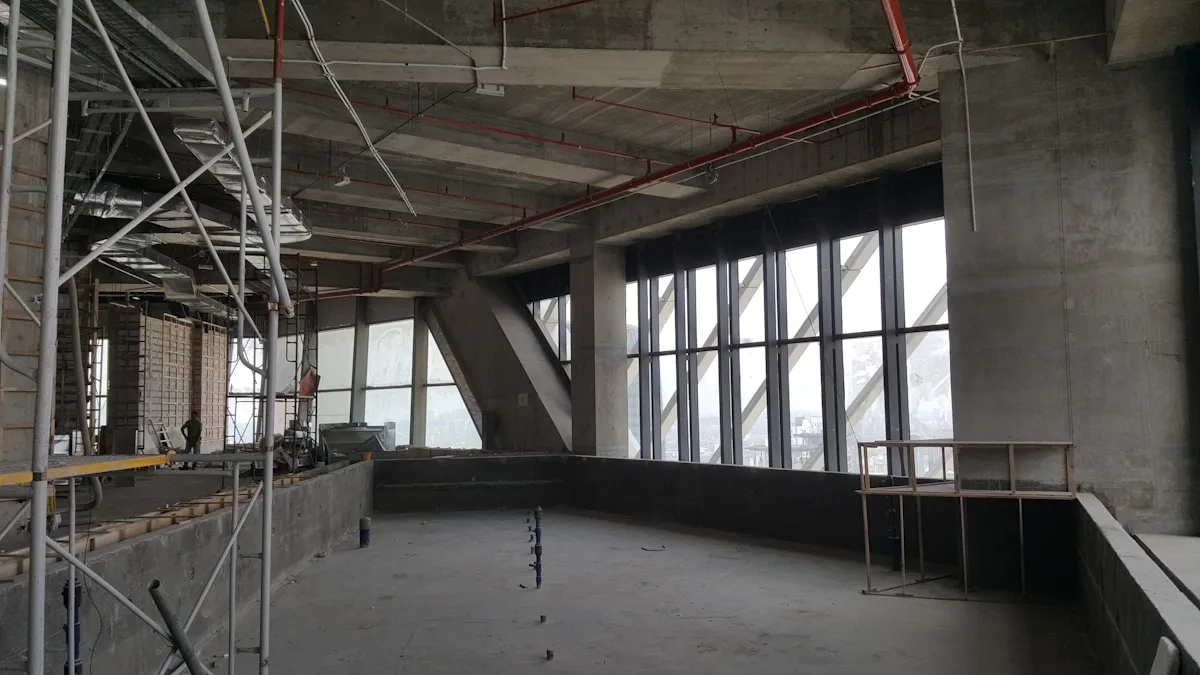
UFGS sections 1.8.2 and 1.8.3 distinguish initial and follow-up control. The following prompts adapt those categories for a working record. Fill the criterion, method and required frequency from the applicable project requirements rather than treating these rows as a complete trade checklist.
Scroll horizontally to see all columns.
| Stage | Check prompt | Evidence to identify | Prompt basis |
|---|---|---|---|
| First portion of work | Does the inspected work meet the specified detail and workmanship criteria? | Exact location, current detail and inspection finding | UFGS 1.8.2(a, c) |
| First portion of work | Where a sample or mock-up is required, which approved reference applies? | Sample reference and comparison record | UFGS 1.8.2(c) |
| Continuing work | Does subsequent work meet the applicable criteria and required tests? | Area or activity checked and inspection/test record | UFGS 1.8.3(a–c) |
| Continuing work | Are discovered discrepancies being corrected and checked again? | Issue ID, correction record and reinspection finding | UFGS 1.8.3(d) |
| Before dependent or covering work | Are required checks complete and applicable release conditions satisfied? | Inspection record and project-authorized decision | UFGS 1.8.3(d–e); suggested decision field |
For example, a wall check can identify the drawing detail governing an interface and record the condition found at a specific location. It should not substitute a generic fastener spacing, joint dimension or fire-performance claim for the project’s actual requirement. Use the site coordination handoff guide to align access and sequence with the parties responsible for those checks.
ConSIG’s evidence guidance describes photographs as possible workmanship records, including for work that will become inaccessible. Our practical suggestion is to connect each required image to the checklist item, location and date; a folder of unidentified photos leaves the next reviewer guessing what it shows.
Takeaway: Record where and against what the work was checked before it disappears behind the next operation.
At completion: close the issue and record the decision
Bring unfinished checks and open discrepancies into the completion review. Keep the correction performed, the subsequent inspection finding and the authorized decision as separate entries. A completed repair note tells the next reviewer that work occurred; it does not by itself tell them whether the applicable requirement has been satisfied or who permitted progression.

The issue and completion categories below draw on UFGS sections 1.8.6 and 1.10. This is a suggested record sequence, with authority and acceptance conditions supplied by your project.
Scroll horizontally to see all columns.
| Completion check | Record separately | Prompt basis |
|---|---|---|
| Outstanding inspection or test | Item ID, missing evidence and responsible person | Suggested review; ConSIG Close out of the ITP |
| Remaining discrepancy or unfinished work | Requirement reference, exact location and current finding | UFGS 1.10.1; suggested reference fields |
| Proposed disposition | Decision-maker, authorized action and reference | Suggested decision record; ConSIG Managing project ITPs |
| Correction performed | Work completed, date and supporting record | UFGS 1.8.6 |
| Reinspection | Criterion applied, finding, checker and date | UFGS 1.10.1; suggested finding fields |
| Authorized closure or release | Decision, authority reference and sign-off | Suggested sign-off; ConSIG Close out of the ITP |
| Handover record | Filing location and link to the relevant work or material package | ConSIG Evidence / Close out of the ITP |
Use the OAC meeting decision-record guide when an issue needs coordination between parties. Refer the meeting action to the formal project decision; a discussion entry alone should not be treated as its authorization.
Common mistake: Closing an issue because someone wrote “done.” Ask which requirement was checked again and where the resulting decision is recorded.
If replacement material is proposed, use the installed-cost comparison guide to organize the commercial scope question. Keep the technical disposition and any purchasing decision identifiable in their own records.
Takeaway: Close the loop with a reinspection finding and the project’s authorized decision, not just a repair note.
Copy the blank construction QC checklist template
Copy the fields below into your project’s document or spreadsheet and add a record for each applicable check. The entry cells intentionally remain blank. Populate requirements and roles before field use, then observations and signatures when the checks occur. Map the fields into a required client form if one already exists.
Checklist header
Scroll horizontally to see all columns.
| Control field | Project entry |
|---|---|
| Project / contract reference | |
| Checklist ID / revision / issue date | |
| Activity / work package / location | |
| Trade or material package | |
| Related ITP / procedure reference | |
| Governing drawings, specifications and revisions | |
| Prepared by / reviewed by | |
| Inspection responsibility / decision authority reference | |
| Controlled record location |
Inspection entry — repeat for each item
Scroll horizontally to see all columns.
| Checklist field | Blank entry |
|---|---|
| Item ID / stage / activity | |
| Specific work location / delivery / material identifier | |
| Check to perform | |
| Requirement document / revision / clause | |
| Acceptance criterion and unit where relevant | |
| Check method / procedure reference | |
| Required timing or frequency / source | |
| Responsible checker / participating parties | |
| Actual observation / measurement / report reference | |
| Evidence ID / photograph reference / filing location | |
| Result / unresolved question / reason if not applicable | |
| Issue or action ID / assigned person | |
| Checker name / signature or project-approved equivalent / date | |
| Review finding / reviewer / date | |
| Authorized decision / authority reference / sign-off / date |
Issue follow-up — link to the inspection item
Scroll horizontally to see all columns.
| Follow-up field | Blank entry |
|---|---|
| Issue ID / linked checklist item / location | |
| Required condition / observed discrepancy | |
| First discovered date / recorded by | |
| Material or work status / notified person | |
| Disposition / authorizing person / decision reference | |
| Action owner / target date | |
| Correction performed / date / evidence reference | |
| Reinspection finding / checker / date | |
| Closure or release decision / authorized sign-off / date |
For status wording, agree a project vocabulary before issuing the form. Our suggested distinctions are checked—meets the entered criterion, checked—does not meet it, pending check, unresolved, and not applicable—with a reason. A blank or pending result should not be silently counted as satisfactory. Match any codes to those already used in the project’s QC plan and ITP arrangements.
Adapt the fields for Excel, Word or PDF
- Excel: try pasting each field/value table into a sheet and verify the field-to-entry alignment. If your paste settings discard empty cells, create two columns from the field list. If your team prefers one inspection per row, use the field names as columns and keep the full requirement, observation and sign-off fields. Add separate sheets for the header and issue register if that makes the record easier to use.
- Word: try pasting the tables into the working document and review the result. Rebuild the table from the field list if formatting is lost; repeat the inspection-entry block and check that headings stay with their entries when pages break.
- PDF: export your completed working document after checking that all fields and requirement references remain visible. Review the exported pages; a clipped observation or signature field makes the record incomplete.
Before issuing the form, follow an item from its requirement reference through to the evidence location and designated reviewer. Use the specification comparison workflow if the requirement column still mixes product descriptions with acceptance evidence. The editable working copy remains your team’s responsibility; these are on-page tables, rather than downloadable project-approved files.
Takeaway: Keep every requirement, finding and decision field when adapting the blank form to another format.
When this does not apply
This checklist is a starting structure for project QC records. It does not determine engineering tolerances, statutory inspections, safety controls or who has contractual power to accept work. Those inputs come from the applicable project and authority requirements. A general checklist should not be used to fill gaps in an unknown acceptance criterion.
- Residential and commercial projects: adapt the scope, locations, material packages and assigned roles to the actual project. The building label alone does not supply the inspection criteria.
- Concrete, steel, masonry and other trades: add the checks, methods and limits from the relevant project specifications and referenced documents. This page supplies no universal trade acceptance values.
- Required forms: use the client or authority’s prescribed record where applicable; review whether these fields belong in it.
- Audits: a detailed field record can support a review of the QC system, but does not alone show that the system is effective across the project.
Takeaway: Obtain the missing project requirement or specialist decision instead of turning a blank template into a rule.
Frequently asked questions
What is a QA/QC checklist?
QA means quality assurance: arrangements that build confidence in meeting quality requirements. QC means quality control: activities directed at meeting those requirements, including inspection. ASQ explains the distinction. This template primarily records QC observations; those records can support a wider QA review, with authority defined by the project.
What are the 5 responsibilities of a quality control inspector?
Use the inspector’s actual appointment and project procedure rather than assuming a universal five-part job description. For this form, identify who checks requirements, makes observations, records evidence, reports discrepancies and reviews follow-up. Assign the authority to accept or release work separately where the project requires it.
Can I use this construction quality control checklist template in Excel?
Use the fields to build an Excel working copy, with one inspection-entry block or spreadsheet row per item. Check the paste result; recreate the columns from the field list if empty entry cells are lost. Retain the requirement revision, evidence reference, unresolved status and sign-off fields. Check the exported or printed layout before field use, especially if the observation needs more space than the other entries.
Can I make a quality control checklist template in Word?
Use the fields to build a Word working copy, reviewing pasted tables and rebuilding them if needed. Duplicate the inspection block for each check. Keep the checklist ID and revision identifiable across the document. Review page breaks so the finding, evidence and signature do not become separated from the item they concern.
How do I create a construction quality control checklist PDF?
Prepare and review the editable working copy first, then export it to PDF using your document or spreadsheet software. Inspect the resulting pages for clipped columns, missing text and detached signature fields. This guide provides copyable web tables; it does not include a separate PDF download.
Can I use this for a residential concrete pour?
Use it as a record structure after the project-designated professional supplies the concrete-specific checks and acceptance criteria. Record the exact pour location, applicable documents and required inspection/test references. Do not treat the general stage prompts as a complete pre-pour checklist or a substitute for required inspections.
Is a construction audit checklist the same as a daily QC checklist?
Clarify the task before choosing the form. A field checklist records specified checks at an activity or location; a process audit asks whether the arrangements and records support the review objective. Daily field records may be part of its evidence, with the scope and criteria established separately.
Takeaway: Choose the form and format around its task, and keep the project’s authority and acceptance criteria explicit.
Methods and sources
The stage categories are compiled from public QC guidance; the blank forms and receiving prompts are editorial suggestions for organizing project records. They contain no inspection results, approved project example or default acceptance values. Apply the requirements and referenced editions in your project documents before using a completed checklist.
- USACE / NAVFAC / AFCEC, UFGS 01 45 00: Quality Control, August 2023, Change 4 August 2026. Sections 1.8.1–1.8.3 support phase categories; 1.8.6 and 1.10 cover deficiencies and completion; 1.14 covers delivery, storage and handling. This is a guide specification to be tailored for a project.
- ASQ, Quality Assurance vs Quality Control, reviewed December 2024. Used for the QA/QC distinction; it does not approve this checklist.
- ConSIG working group, Inspection & Test Plan, last edited October 2020. Its requirements, evidence and project-adaptation guidance informs the supporting record structure; it supplies no universal US technical limits.
For related tasks, read the QC plan guide to allocate controls and responsibilities, and the site handoff guide to coordinate access, material status and the next operation.
Takeaway: Use public guidance to organize the record and the governing project documents to populate its criteria.
Related articles
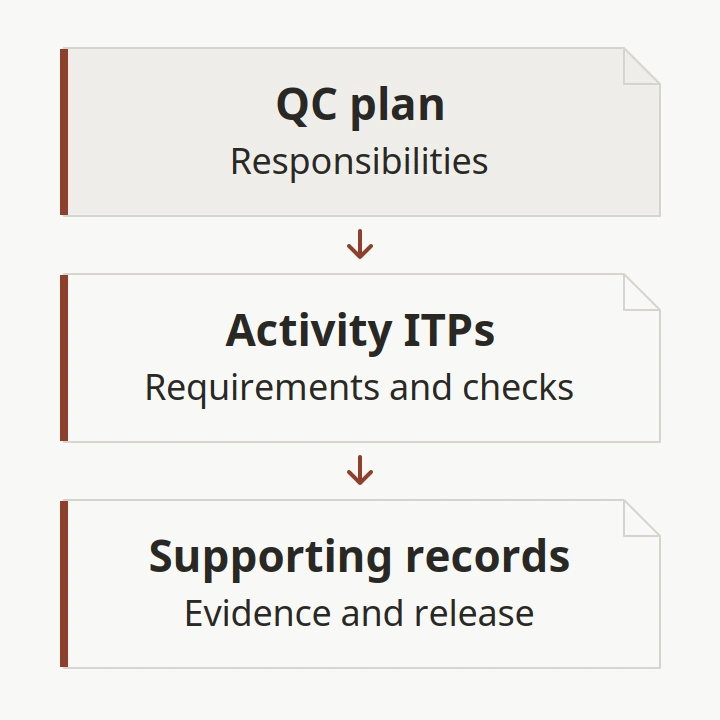
Construction Quality Control Plan: ITPs and a Blank Template
Build a construction QC plan around responsibilities, DFOWs, ITPs, material receipt and release records. Copy the blank fields into your project documents.
Read article: Construction Quality Control Plan: ITPs and a Blank Template
Special Inspections in Construction: A Material Handoff Worksheet
Separate construction QC from required special inspections, then use a material-package worksheet to coordinate documents, access, reports and closeout.
Read article: Special Inspections in Construction: A Material Handoff WorksheetPCO in Construction: From Material Change to Order Release
Understand construction PCO terms, distinguish bulletins from change orders, and use a blank record to connect material revisions to order-release authority.
Read article: PCO in Construction: From Material Change to Order Release