
PCO in Construction: From Material Change to Order Release
Ordering against a revised drawing before its purchasing authority is clear can leave the wrong material on site. A PCO in construction commonly means a potential change order: a record used to develop and track a possible change, its pricing and its progress through the project’s change process.

For material buyers, the useful question is what the PCO connects: the source revision, the affected package, the supplier’s price, the schedule consequence and the person responsible for the next decision. PCO terminology and statuses vary between systems. A pricing review or budget status should be read in its project context; record the actual document authorizing the purchase separately. This guide provides a source-specific terminology comparison and a blank material-release record, rather than a universal approval sequence.
- Preserve the source drawing, bulletin, RFI or submittal reference and revision.
- Keep requested pricing, reviewed pricing and order authorization in separate fields.
- Identify both the next action owner and the person authorized to release the affected purchase.
- Leave unknown prices, impacts and authorization references blank until confirmed.
What does PCO mean, and why do the terms differ?
Potential change order is the terminology used in ProjectTeam’s PCO manual. Its form tracks possible scope-related cost and revenue changes, can include cost proposals, and supports subsequent creation of change orders. That is a product workflow, not a definition of authority for every contract.
Read the full term on the source document before transferring an item into a shared log. In particular, a word describing an amount is not necessarily the name of a document or its approval status.
Scroll horizontally to see all columns.
| Term encountered | Source context | What to preserve in a material-change record |
|---|---|---|
| Potential change order | ProjectTeam and Autodesk use this expansion of PCO | The actual PCO reference, affected contract and current revision |
| Pending change order | Trimble Vista uses this expansion in its billable-change example | The source system and full document name; do not silently rename it as a different system’s form |
| Proposed cost or proposed amount | A pricing field: ProjectTeam distinguishes proposed cost from approved cost or revenue | The quoted scope, quote revision and whether the amount has been reviewed |
| Proposed change order | If this appears on your project’s form, retain that wording | Check the project’s definition; the acronym alone does not establish its function |
| Internal commitment potential change order, or ICPCO | Penn State’s internal commitment workflow | Keep its internal scope visible; it is not a generic substitute for every contractor PCO |
For example, Penn State’s ICCO training describes an ICPCO used to obtain and review service-provider pricing and hold it for a later grouped approval process. The owner-specific example shows why receiving a price and completing the approval route should have distinct records. It does not prescribe the route for another project.
How does a construction bulletin relate to a PCO?
Treat the bulletin as the source document to investigate: read its stated purpose, attachments, revision and required response. Its title alone does not tell a buyer whether to seek pricing, replace a drawing in the package or release an order.
A bulletin, a PCO and a change order answer different administrative questions. The comparison below uses AIA documents as explicitly named examples; it does not make every project’s “bulletin” equivalent to an AIA form.
Scroll horizontally to see all columns.
| Document or record | Question it helps answer | Buyer check |
|---|---|---|
| Bulletin or revised drawing package | What information has been issued or revised? | Identify the precise sheets, specifications and packages affected; read the issue purpose |
| PCO | What possible change is being developed and priced? | Link the source revision to the pricing and review record |
| AIA G710–2017 supplemental instruction | What additional instruction or minor change is being communicated? | AIA says this form is not for changing contract sum or time |
| AIA G701–2017 change order | What change and associated adjustments have the parties agreed? | Locate the executed document and check which package and revision it covers |
| AIA G714–2017 construction change directive | What change is directed before agreement on the cost or time adjustment? | Refer the actual directive to the responsible project authority; record its scope and applicable purchasing instruction |
The boundaries above come from AIA’s instructions for G710, G701 and G714. The directive route matters: a buyer should not turn “price unresolved” into an automatic rule that no directed work can proceed. Equally, a pricing request should not become an assumed release instruction. The actual contract and issued documents govern the decision.
What should the buyer capture when a revision arrives?
Start with the difference between the previously referenced scope and the new information. Our suggested worksheet follows the affected material package through that difference, so the next person can reconstruct what needs a decision.
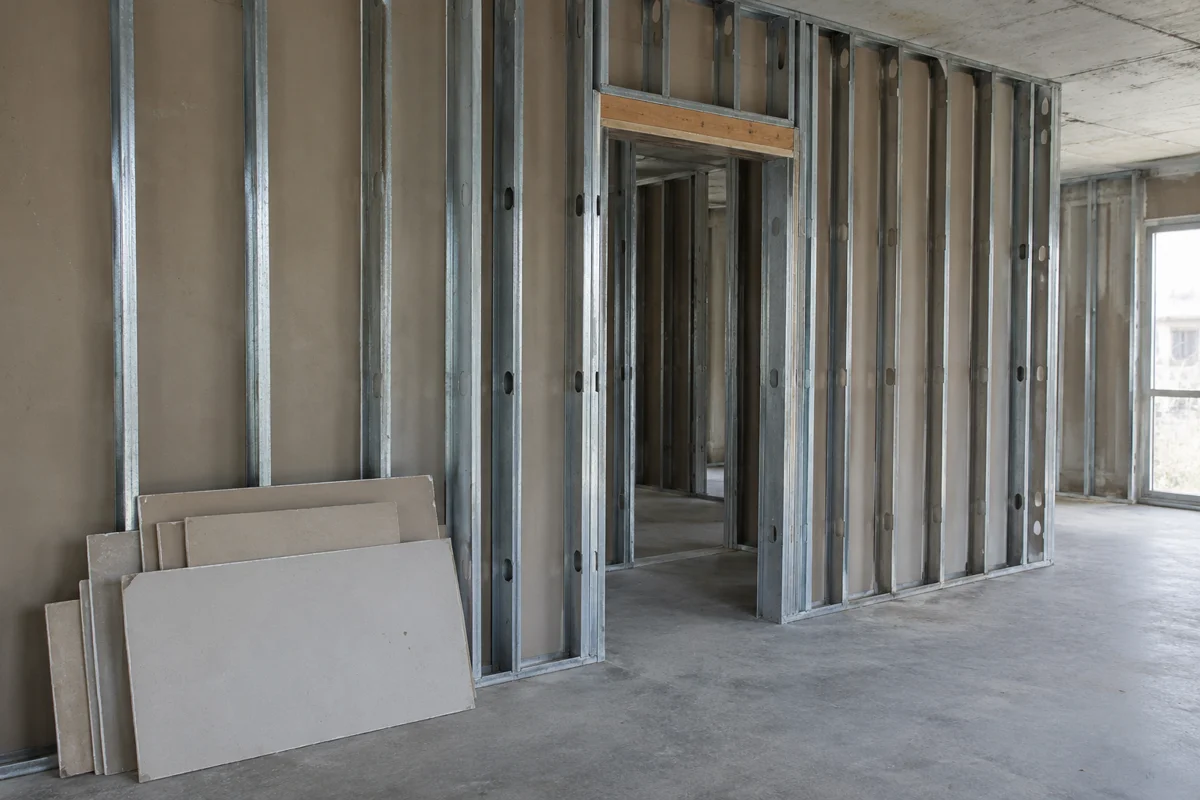
Consider a hypothetical revision that relocates an opening in a partition. The administrative task is to identify the drawing revision, affected material list and existing purchase scope, then obtain the necessary technical and commercial responses. The photograph shows the kind of assembly under discussion; it supplies no dimensions or design approval.
- Identify the source. Record the bulletin, RFI response or drawing number, revision and issue date. Note which previous reference it changes.
- Locate the affected package. Name the material package, supplier and relevant purchase order or subcontract. Identify whether material is unquoted, quoted, ordered, fabricated or delivered using the current records.
- Request the commercial difference. Obtain the supplier’s revised scope and price reference, including additions, omissions and exclusions. Ask separately about an existing order’s cancellation, rework or delivery consequences rather than assuming them.
- Record the timing question. State which activity or required delivery is affected. Keep the supplier’s confirmed response separate from the project’s requested date and any proposed contract-time adjustment.
- Assign the decision and handoff. Name who will resolve each outstanding point, the required response date and the evidence needed before the purchasing record changes.
Autodesk’s Potential Change Orders documentation links cost items to affected budgets, contracts and suppliers, and describes creating or linking PCOs from RFIs, issues and submittal items. The worksheet adapts that traceability principle into a neutral buying record. Use the specification-comparison guide if the unresolved point is what the revised material requirement actually includes.
Does an approved PCO mean the material can be ordered?
The status word alone does not answer that question. Check what was approved, by whom, in which workflow, and which document carries the purchasing instruction for this package.
For example, Autodesk distinguishes budget and cost statuses. Its manual explains that moving a PCO from Draft to Open affects its inclusion in budget or contract calculations. Those are software behaviors; do not translate “Open” into a purchasing release. Likewise, distinguish a proposed amount from the evidence behind a reviewed amount.
Use separate status fields instead of a single “approved” checkbox:
Scroll horizontally to see all columns.
| Status field in the suggested record | Evidence to identify | If missing |
|---|---|---|
| Technical information | Current drawing/specification and required review response | Identify the unresolved detail and responsible reviewer |
| Commercial review | Supplier quote revision and project review record | Mark the amount as awaiting confirmation; do not invent a value |
| Change authorization | Applicable executed change order, directive or other project-authorized record | Ask the responsible project authority which record applies |
| Purchasing release | Instruction covering this package, revision and purchase scope | Name the release owner and outstanding action |
| Supplier acknowledgment | Supplier’s response to the issued order or amendment | Keep acceptance and delivery confirmation open |
Record the actual authorization reference separately from the PCO status. This is the central control in our suggested record. A reviewer’s name can identify a follow-up contact without proving that person’s authority to approve a purchase. If the route is unclear, escalate through the project’s document-control and contract-administration process.
Use the blank PCO-to-material-release record
Copy the fields below or download the blank PCO material-release CSV. The download contains headings and empty records. It is an editorial worksheet, not an AIA form, a software export or a completed project example.

Scroll horizontally to see all columns.
| Field group | Record these inputs | Entry |
|---|---|---|
| Identity | Record ID; PCO full name, number, revision and source system | |
| Origin | Bulletin/RFI/submittal reference; drawing/specification revision; issue date | |
| Material scope | Package; location; previous scope; revised scope; affected PO or subcontract | |
| Supplier pricing | Supplier; quote reference/revision; currency; addition/deduction amount; exclusions | |
| Timing | Required-on-site date; supplier response; schedule impact and supporting reference | |
| Reviews | Technical status/reference; commercial status/reference; outstanding question | |
| Authorization | Change-authorization document; authorized person; authorization date and scope | |
| Order release | Release instruction/reference; release owner; date; PO amendment/revision | |
| Follow-up | Supplier acknowledgment; confirmed delivery; next action owner; due date; closure evidence |
Use a separate row for each affected material package when the supplier, release scope or decision owner differs. Keep the same source PCO reference on those rows so the team can see the shared origin without merging separate purchasing decisions. In the CSV, each input has its own column for filtering and follow-up.
An empty amount means the price is unknown; it does not mean zero cost. An empty schedule-impact field means the response is outstanding; it does not confirm no delay. Preserve dated source documents rather than overwriting earlier quotes with a new number and losing the comparison.
When release is documented, transfer the authorized scope and revision into the material procurement log. That log tracks the broader package journey; this worksheet preserves the change and its release evidence. Carry unresolved decisions into the OAC meeting action record with a named action owner, while keeping the formal change documents in their proper process.
Sources and method
Updated October 2026. Muros Construction compiled this independent editorial guide with AI assistance from primary documentation fetched on October 15, 2026. ProjectTeam and Autodesk support the attributed PCO workflow examples; Penn State supplies one owner’s internal process; Trimble Vista supplies the source-specific “Pending Change Order” wording. The linked AIA G710–2017, G701–2017 and G714–2017 instructions support the named document distinctions, not a claim that every project uses those forms or editions.
The blank worksheet, field grouping and material-buyer checks are our editorial synthesis. No project prices, review periods, lead times, tested outcomes or contract-specific authority have been supplied. Apply the actual project’s current agreements, issued instructions and authorized communication route when completing the record.
Related articles
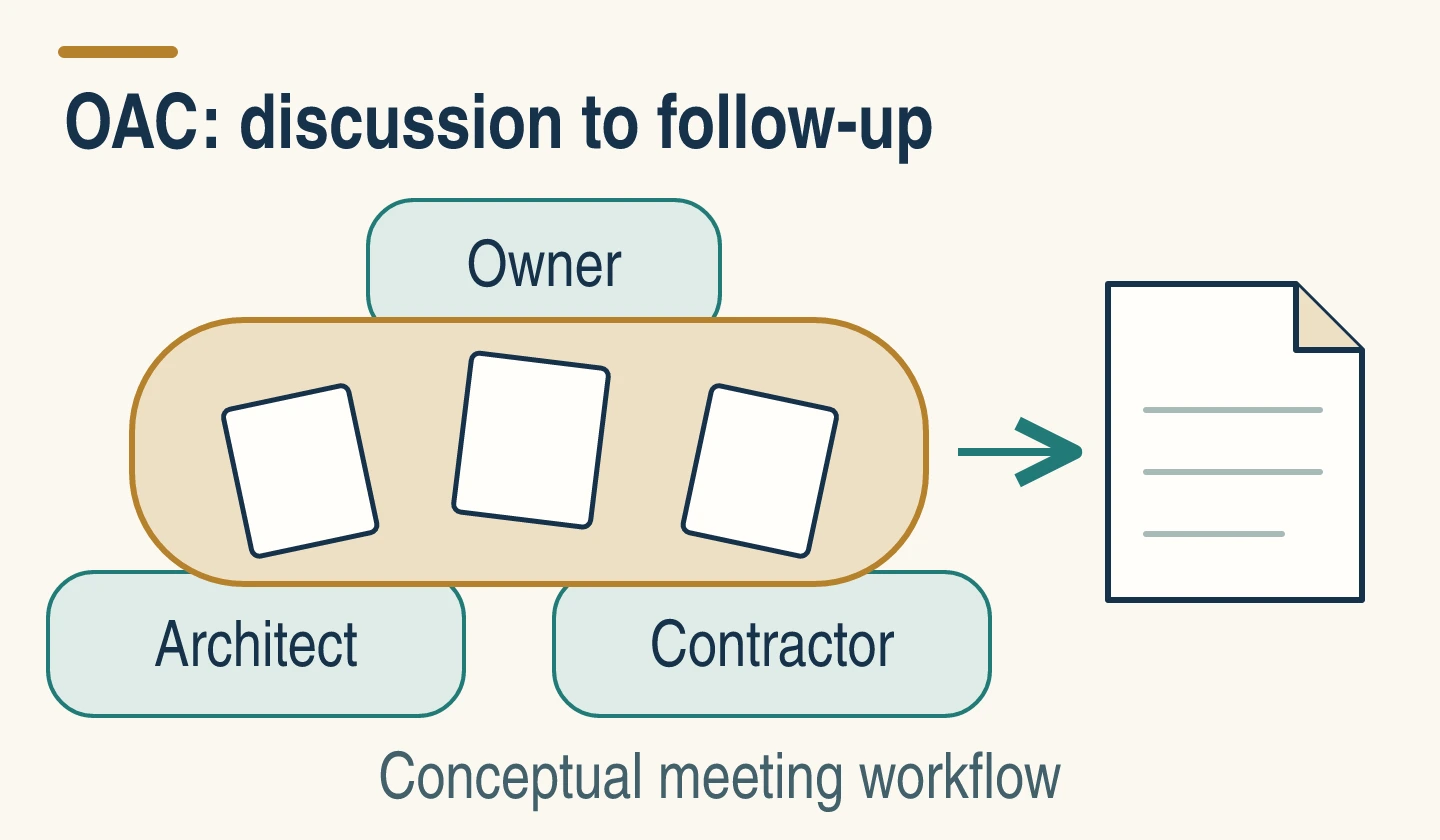
OAC Meetings: Agenda, Roles and Follow-Up
Run a construction OAC meeting with a focused agenda, clear roles and a blank action record connecting submittals, ordering decisions and delivery dates.
Read article: OAC Meetings: Agenda, Roles and Follow-Up
Construction Site Coordination Notes
Work that follows a drawing after the specification has changed can be rejected at the contractor's expense. Construction site coordination notes record the drawing set on the work site, the superintendent who can act, and the storage clearances before material is set down.
Read article: Construction Site Coordination Notes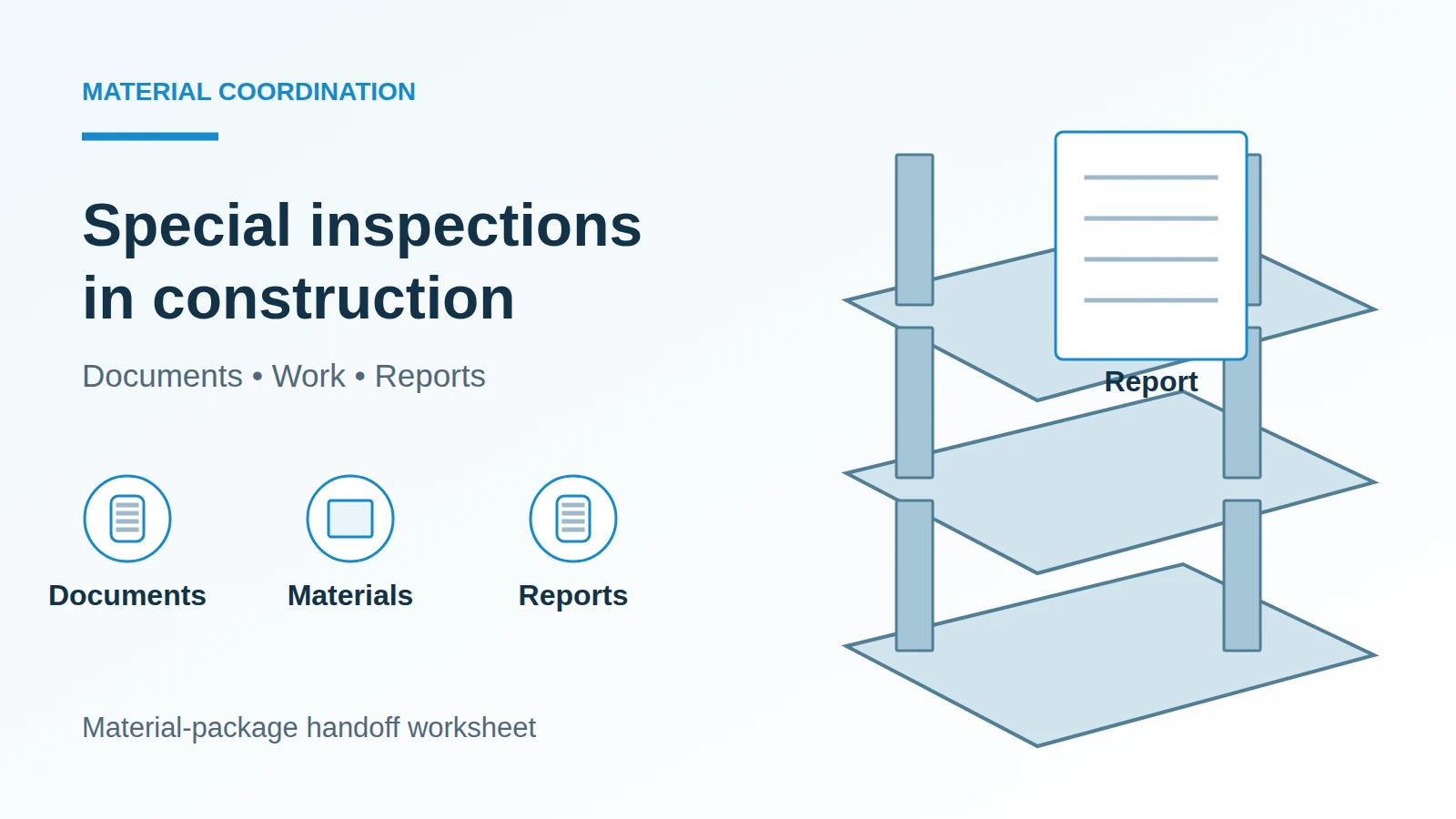
Special Inspections in Construction: A Material Handoff Worksheet
Separate construction QC from required special inspections, then use a material-package worksheet to coordinate documents, access, reports and closeout.
Read article: Special Inspections in Construction: A Material Handoff Worksheet